Prestoplast India Group
Since 1986
Prestoplast India Group
Since 1986Welcome To PrestoPlast Group



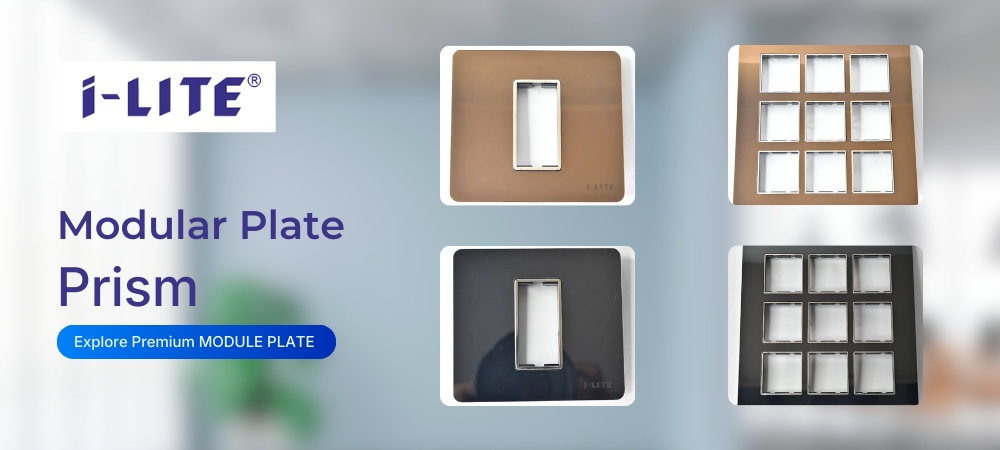


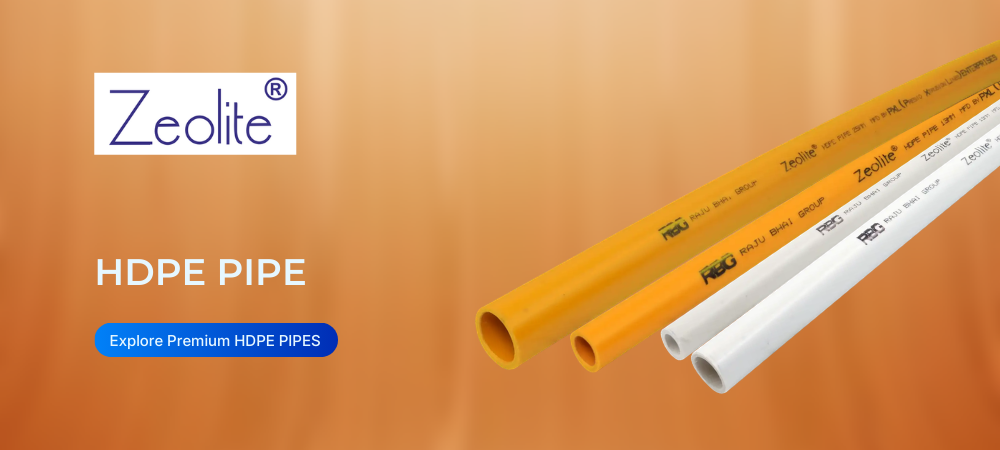
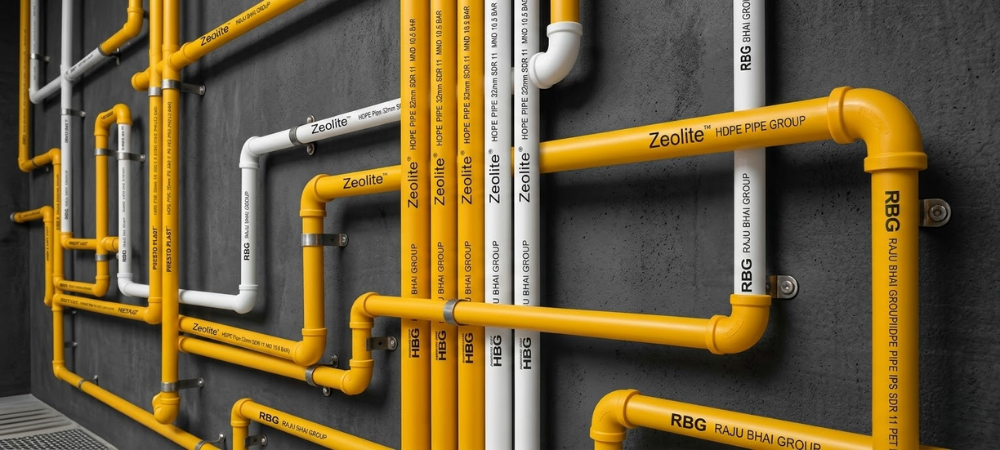
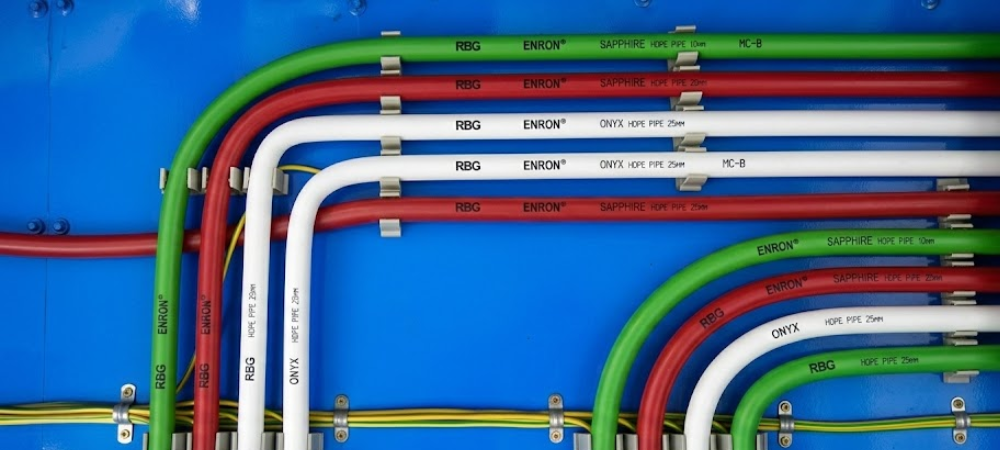
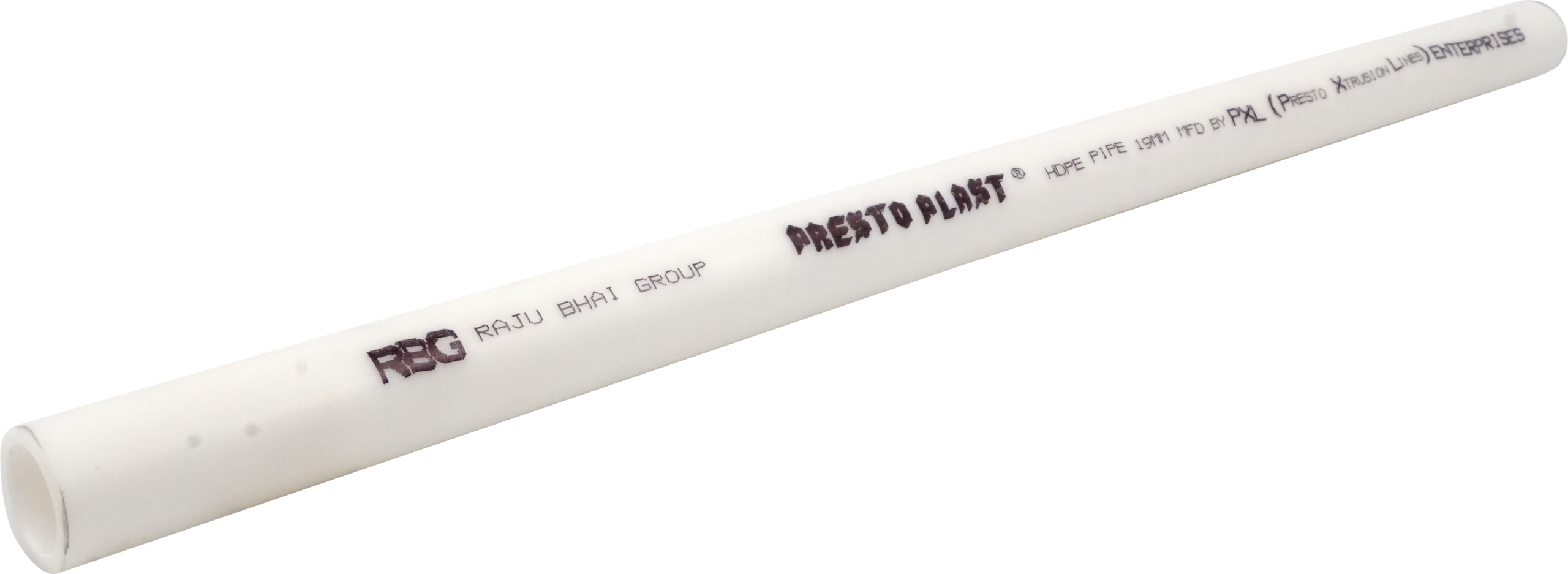
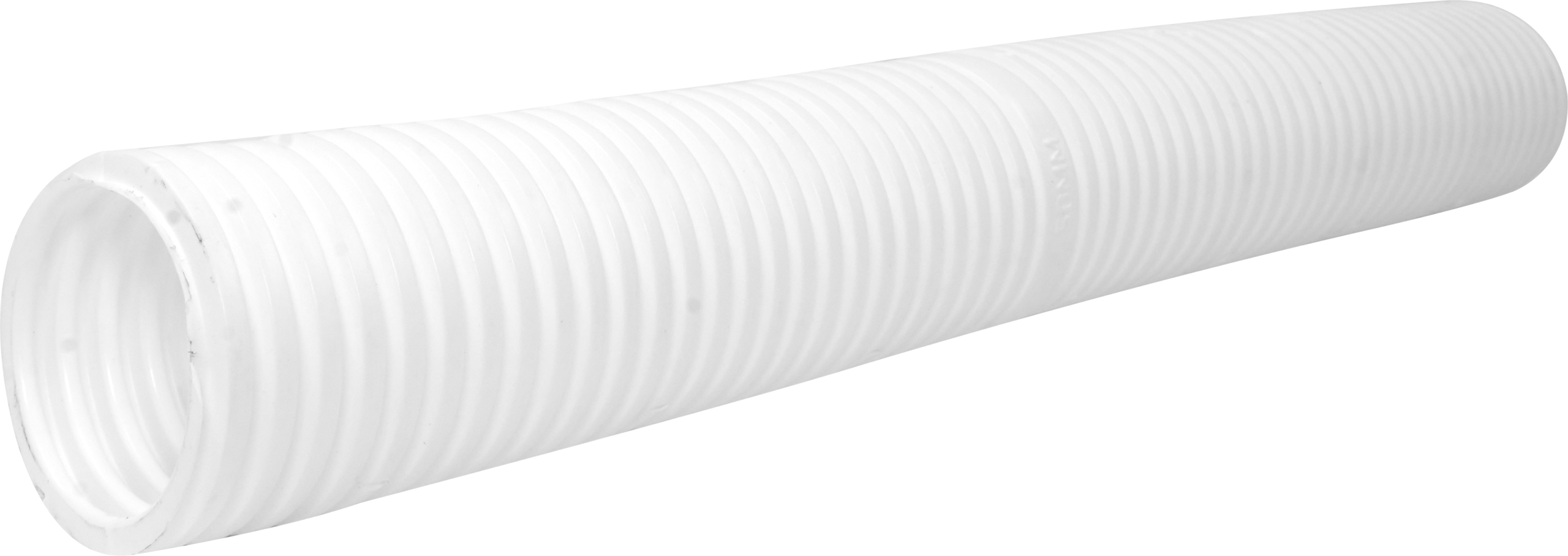



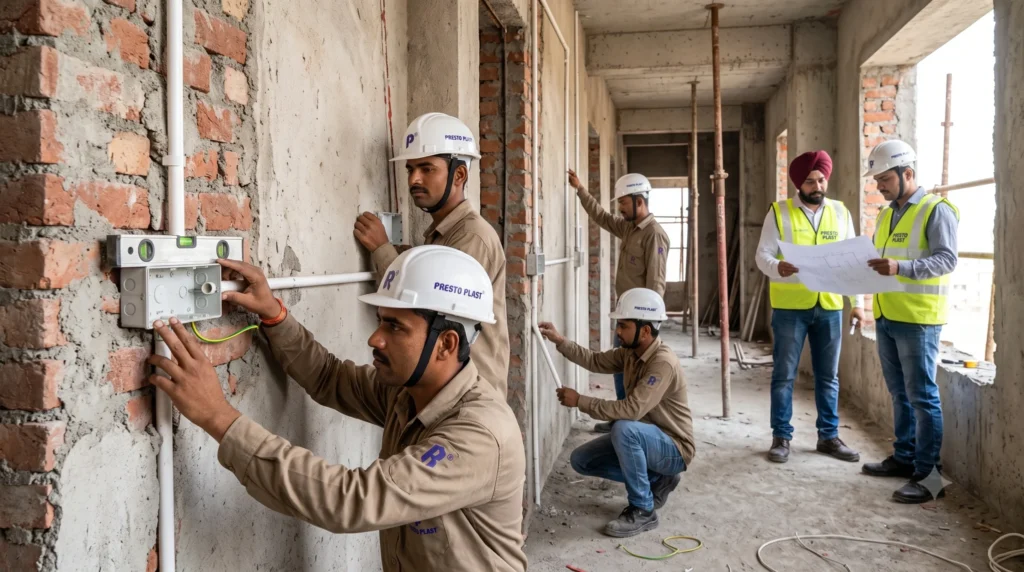
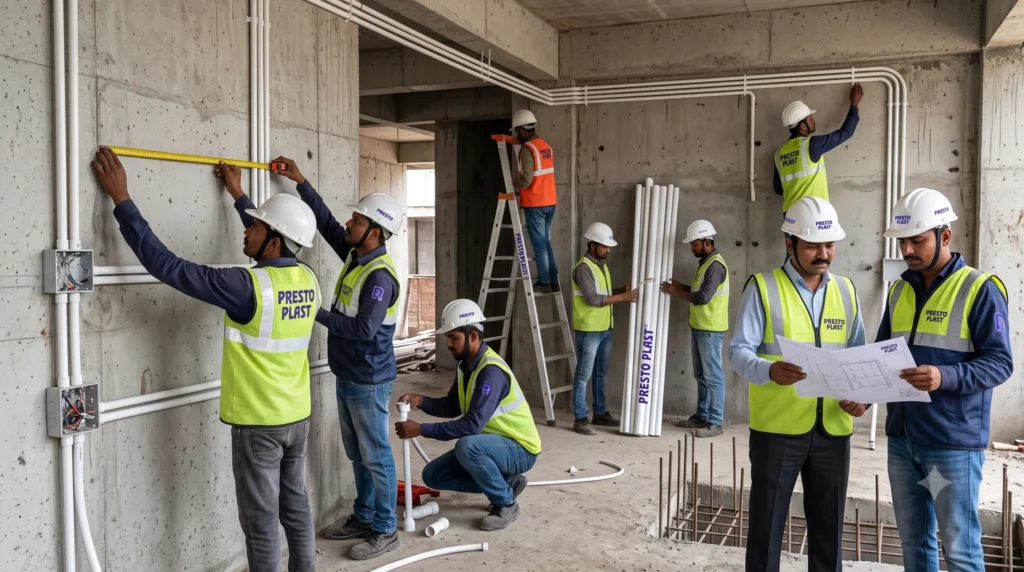
We understand the practical needs of electricians, contractors, dealers, and project professionals to develop electrical wiring accessories that support efficient installation across residential, commercial, industrial, and infrastructure projects.

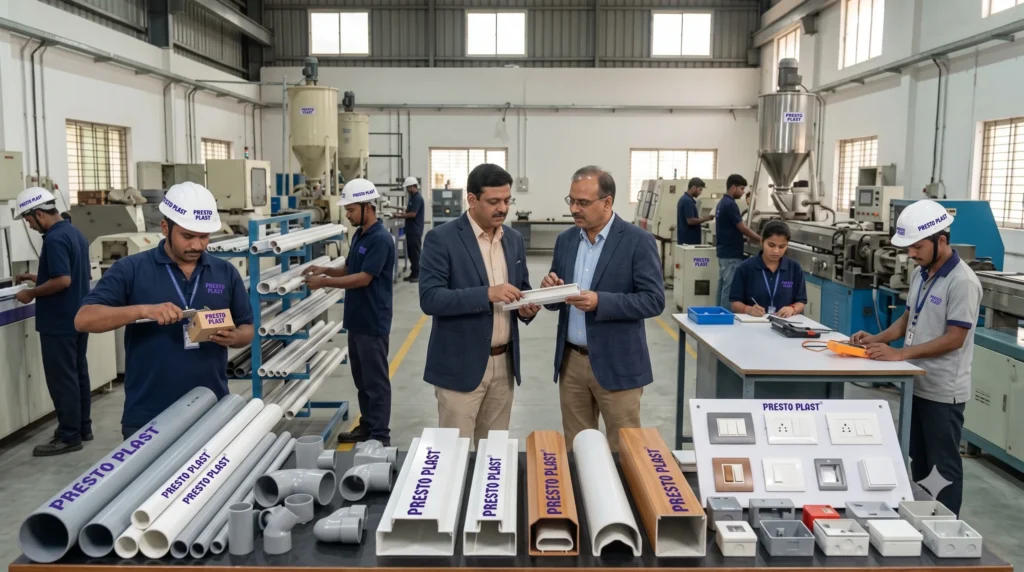
With a manufacturing legacy since 1986, Prestoplast India Group focuses on consistent production and defined quality checks across its range of PVC electrical wiring accessories and electrical installation products.
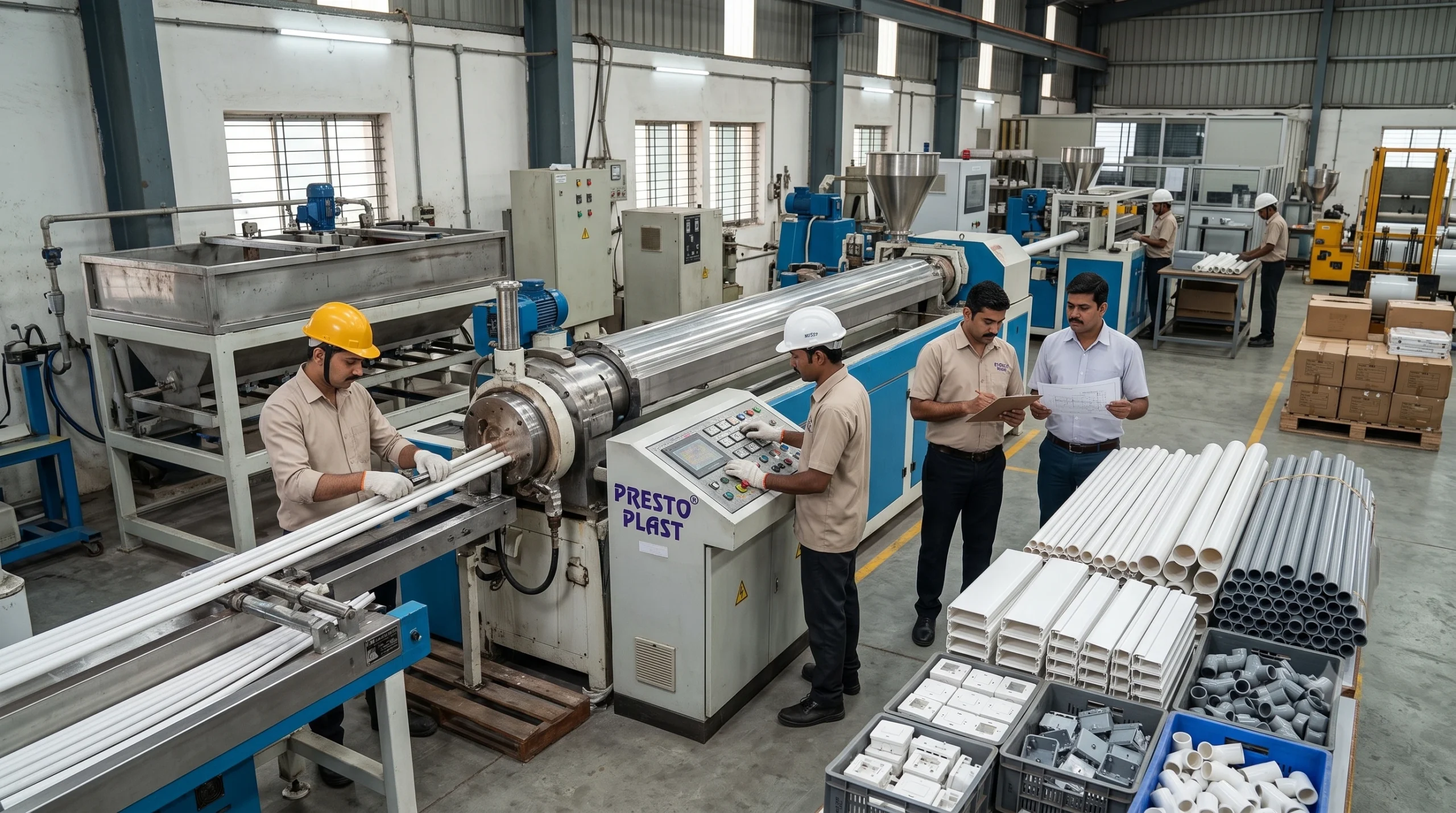
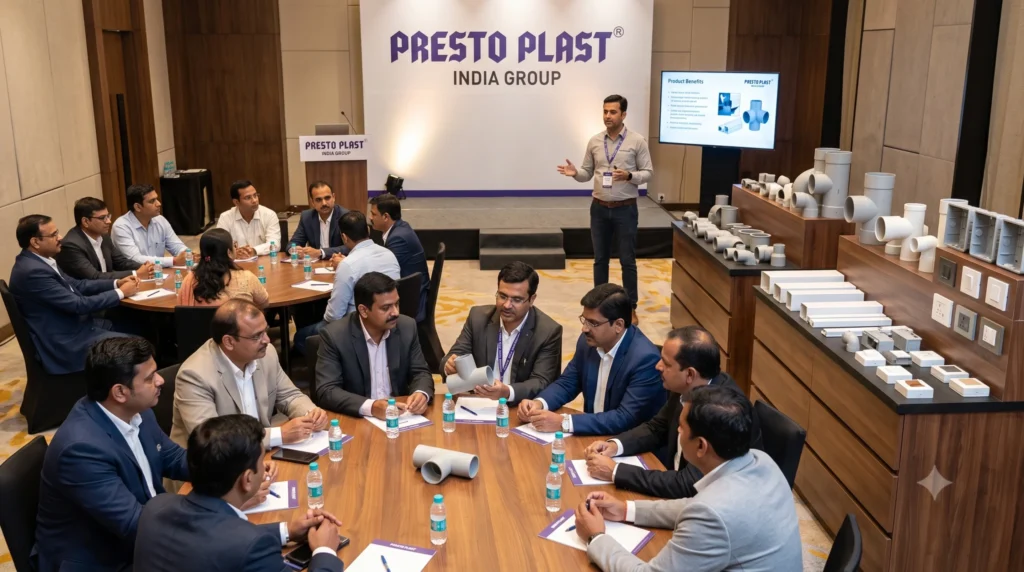
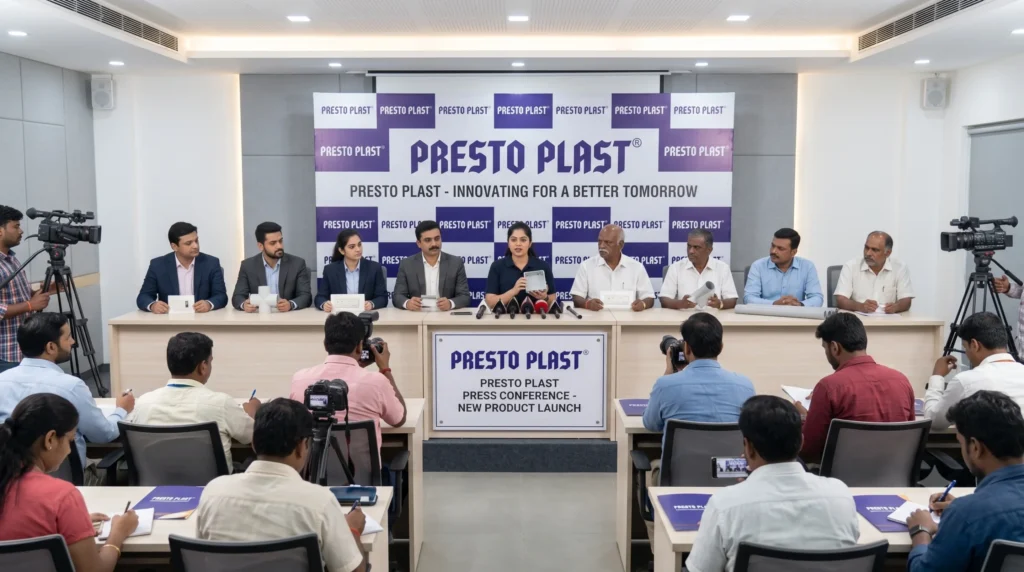
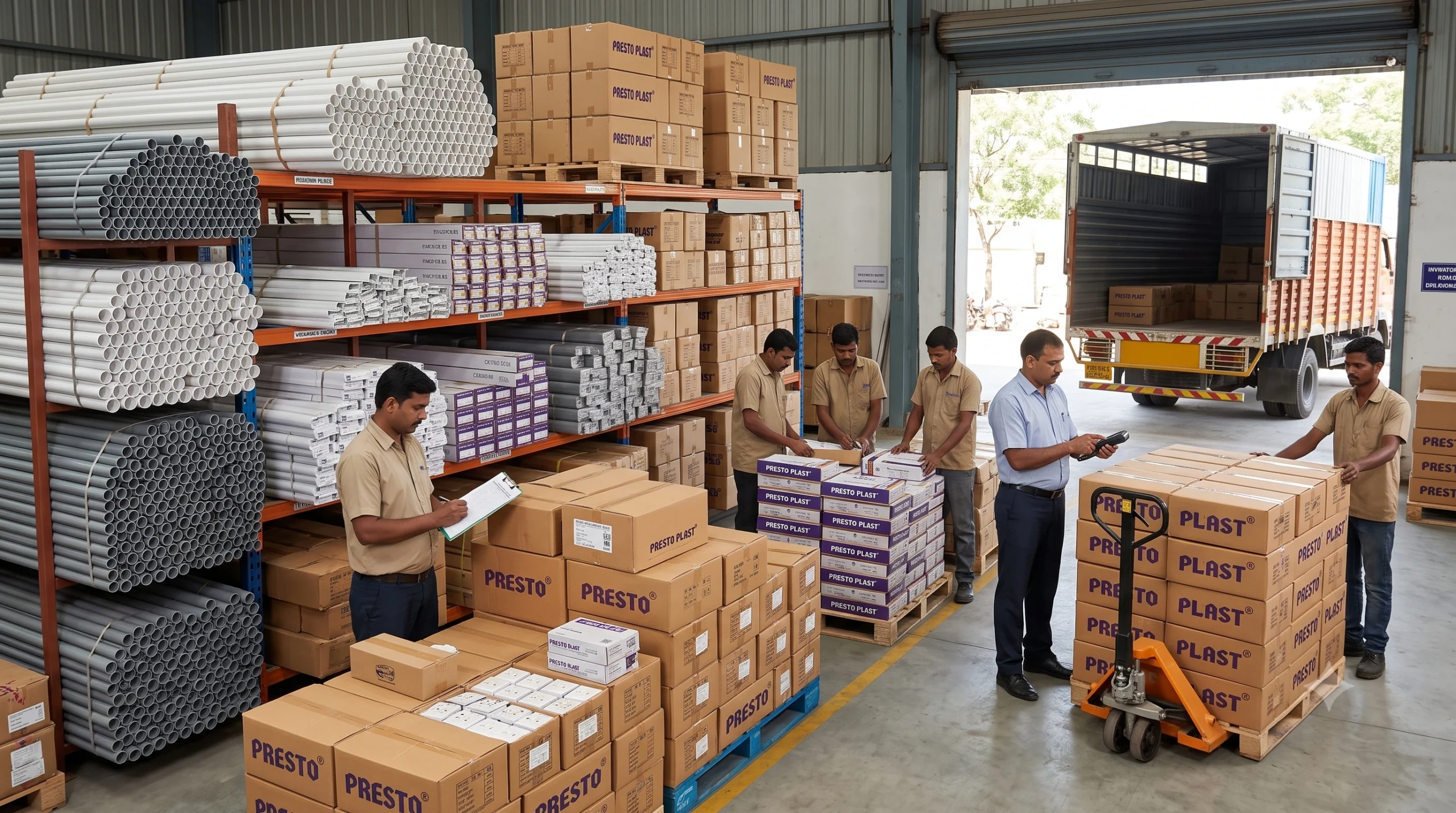
Through our growing dealer, distributor, wholesaler, and electrical trade network, we connect PrestoPlast products with professionals and projects across India while continuously gathering market feedback and supporting our B2B partners.


Get help with product selection, usage & specifications.
Get help with product selection, usage & specifications.
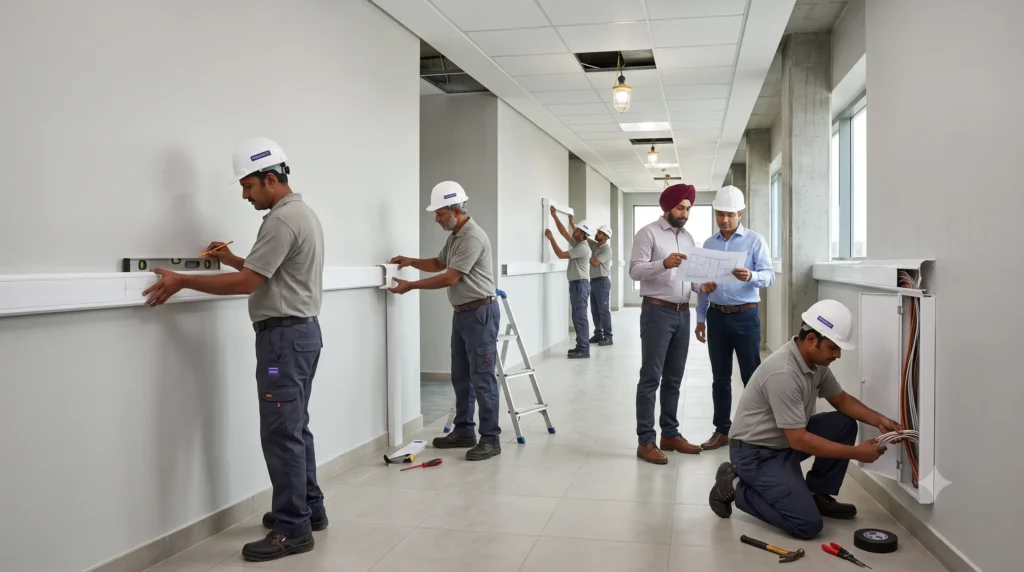
Professional installation guidance for all products.
Professional installation guidance for all products.


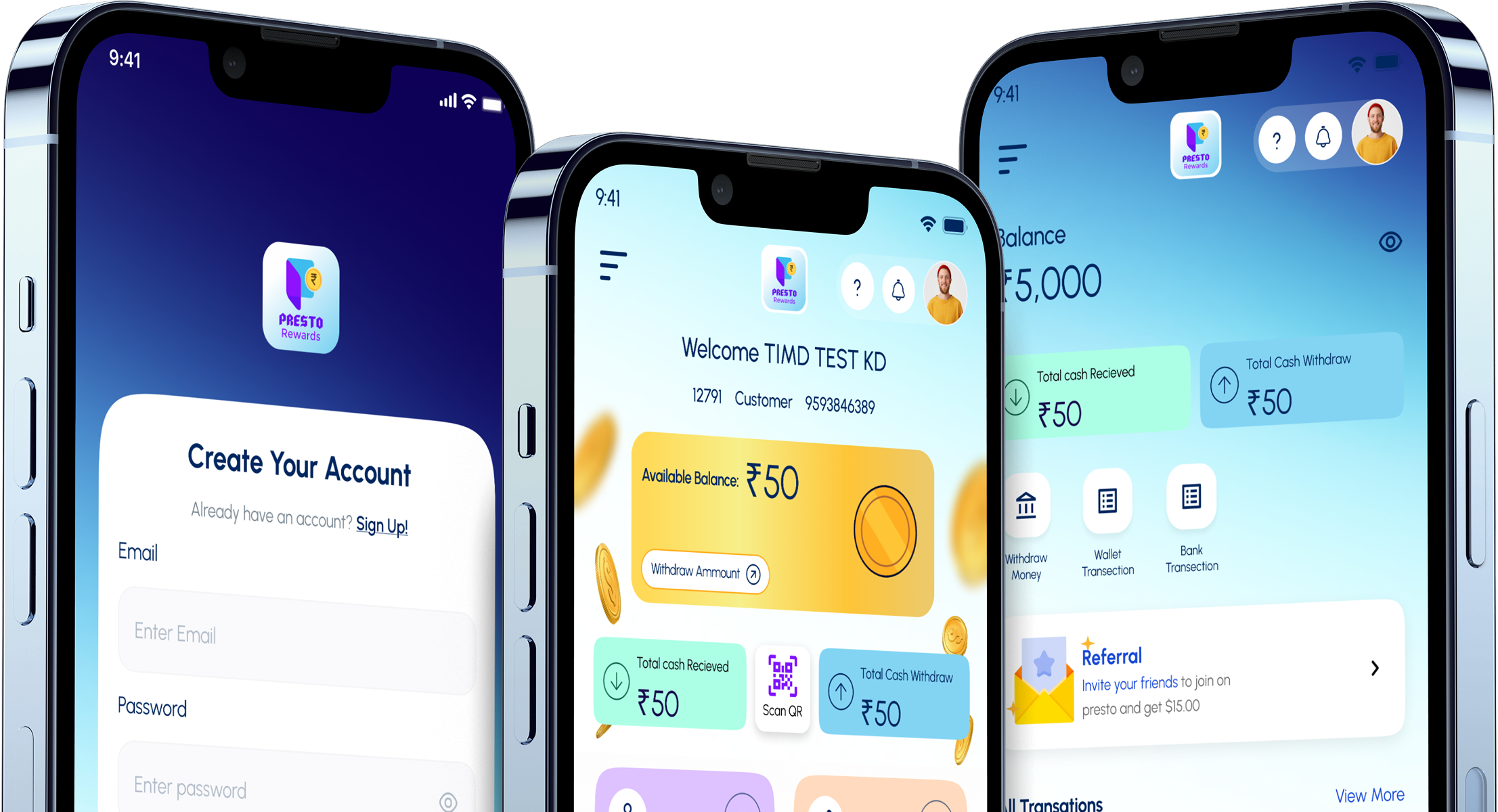
Access exclusive rewards, manage your account, explore products, and stay updated with the latest offers—all from your smartphone.



Share your details below — our team will connect with you soon!